

a home for your records. keep lists of what you love and what you're hunting, dig into any artist, and find a copy for sale.
no ads, no tracking. your data is only used to sync it.
what it does
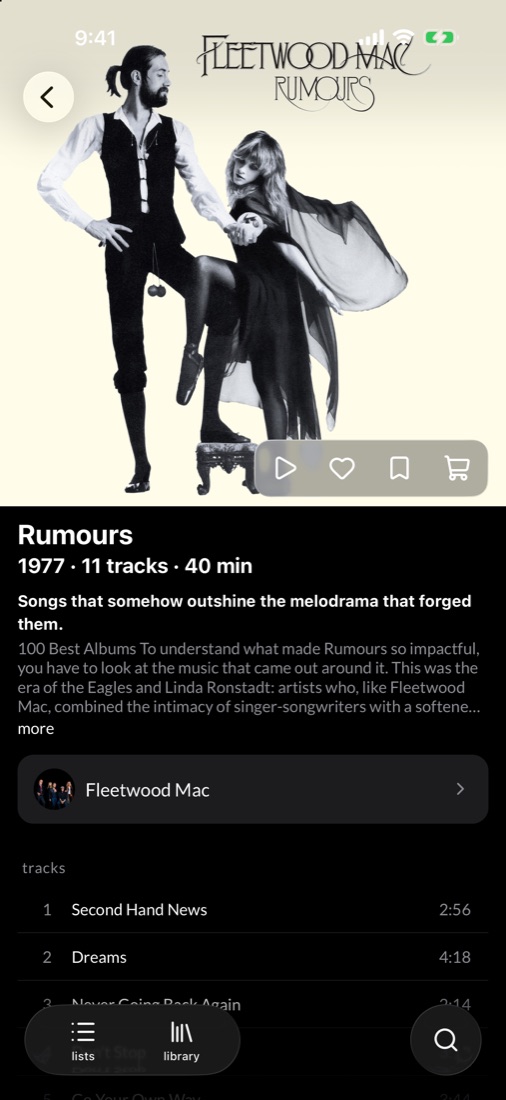
open any album for big artwork, the full tracklist and the artist behind it, then see who's selling a copy.
look up records by title or artist, then open one for its tracks, notes and label.
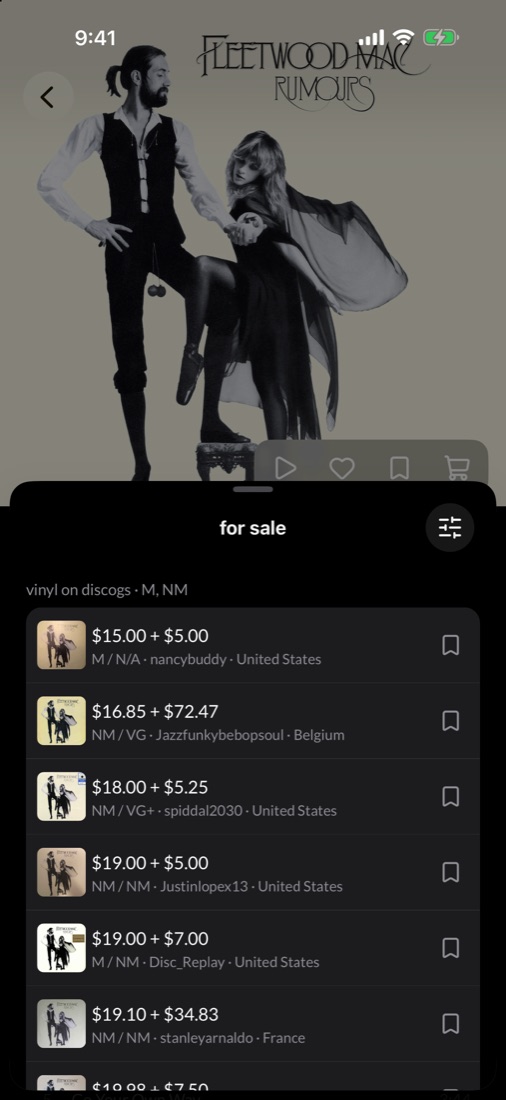
tap the cart on any album to see live marketplace listings, filtered by condition and sorted by price. save the ones you like.
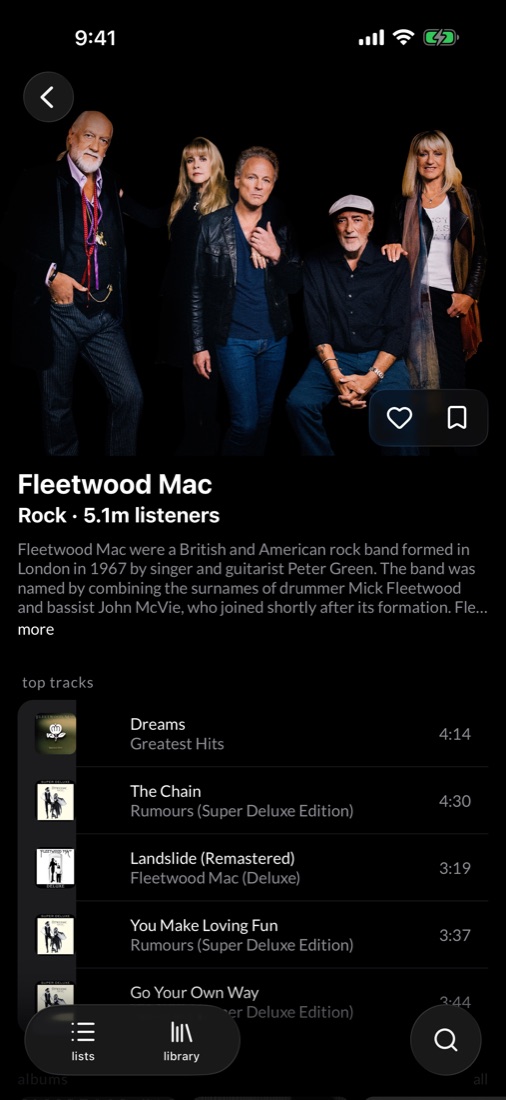
a short bio, top tracks, every album and similar artists to explore next.
connect apple music to play any album right in the app.
keep the records you love, the ones you're hunting, and everything between. every list is a wall of covers.
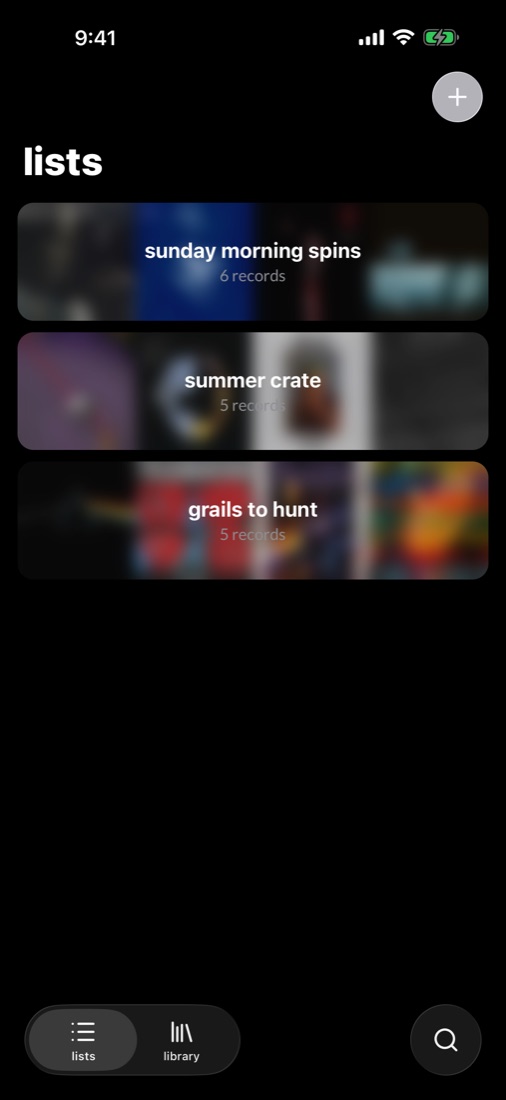
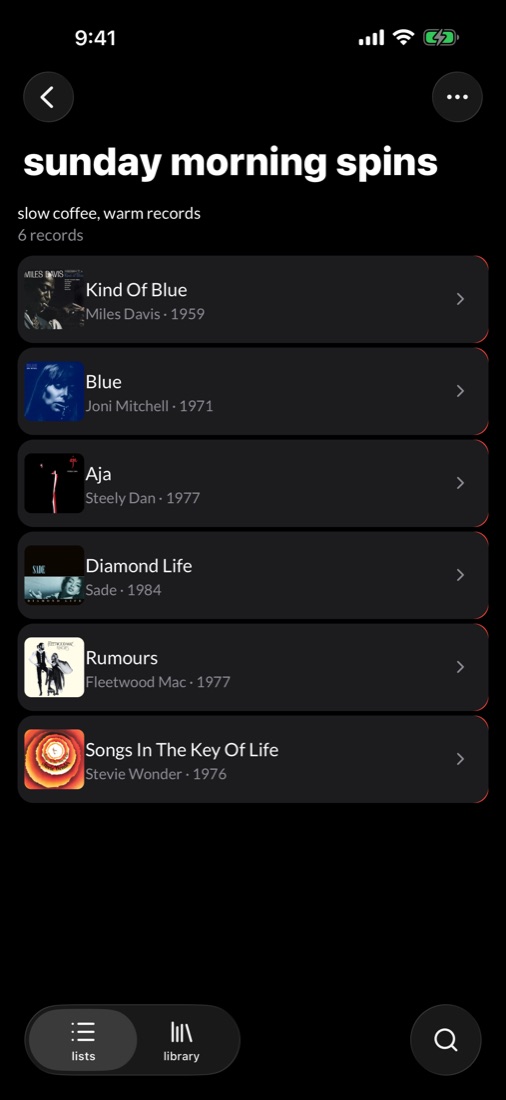
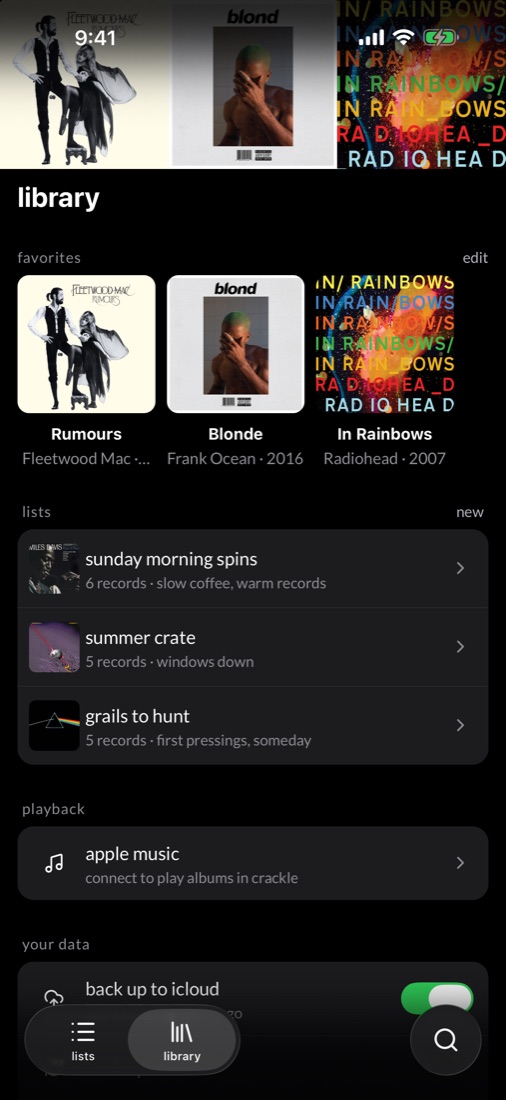
a sunday morning list, a summer crate, a list of grails. name them and add a description.
hold a record and drag it to rearrange a list.
everything lives on your iphone. open the app and start a list.
your library backs up to your icloud drive on its own, and exports as csv whenever you want.
privacy
your account, lists and favorites are stored so they follow you between devices and show on your profile. nothing else is collected, and nothing is sold or shared. read the privacy policy.
no sign-up, no email, no password. your lists never leave your iphone and your own icloud.
no analytics, no advertising ids, no third-party trackers, no cookies.
back up to icloud, export as csv, or delete the app and it's gone.
album searches go over https and carry nothing about you.
getting started
free to use, with nothing else to sign up for. sign in once on each device and your lists are there.
download it from the app store for iphone.
search by title or artist in the explore tab.
search for a record, open it and tap the bookmark to add it to a list.